You can now sign up to receive a short email every other week with Workday updates that apply to your role. These emails include recent system changes, known issues, and resolutions for your selected functional area.
How to Subscribe
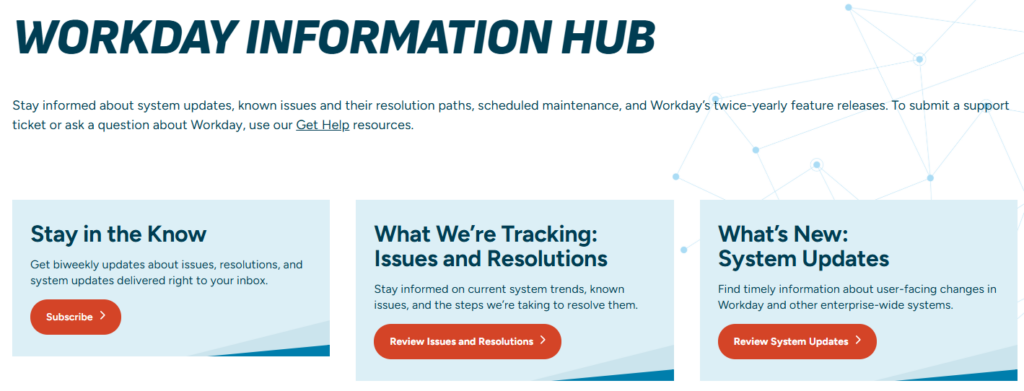
- Go to the Workday Information Hub page.
- In the “Stay in the Know” section, click the subscription link.
- Choose one or more areas: Finance/Research, HR, or Global.
- Enter your contact information and submit the form.
What to Expect
- You’ll receive an email every other Wednesday.
- The email will include a URL for a webpage with updates from the previous two weeks.
- You will only receive updates for the functional area(s) you select.
- You can unsubscribe at any time.
This new subscription makes it easier to stay informed about the Workday updates that matter most to your work.